A computer is vulnerable to several issues, like slowdowns and disconnections. However, one of the most feared issues is unexpected crashes that can occur while you are doing your work. According to an article published on Research Gate, 96% of computer users have experienced computer breakdown at some point.
Computer crashes are a very detrimental problem to your computer as they not only threaten to damage your components but also your data stored on the computer.
Luckily, expert IT support can help small businesses fix such issues. So, let’s look at how fixing computer crashes with expert IT support for small businesses works in Houston.
- Better Management of Workload on Your Computer
One of the main reasons a computer crashes is that it is overburdened with multiple tasks. This overburdening can occur by opening too many tabs on your web browser, running too many Word, PowerPoint, Excel files, software, applications, and websites together, or having too many background services active on the system.
Detecting this issue can be very difficult for those who do not understand the limitations of their computer’s hardware, but expert computer support service providers can determine if this is the cause behind your computer crashes.
- Ensuring Proper Connections in Hard Disk
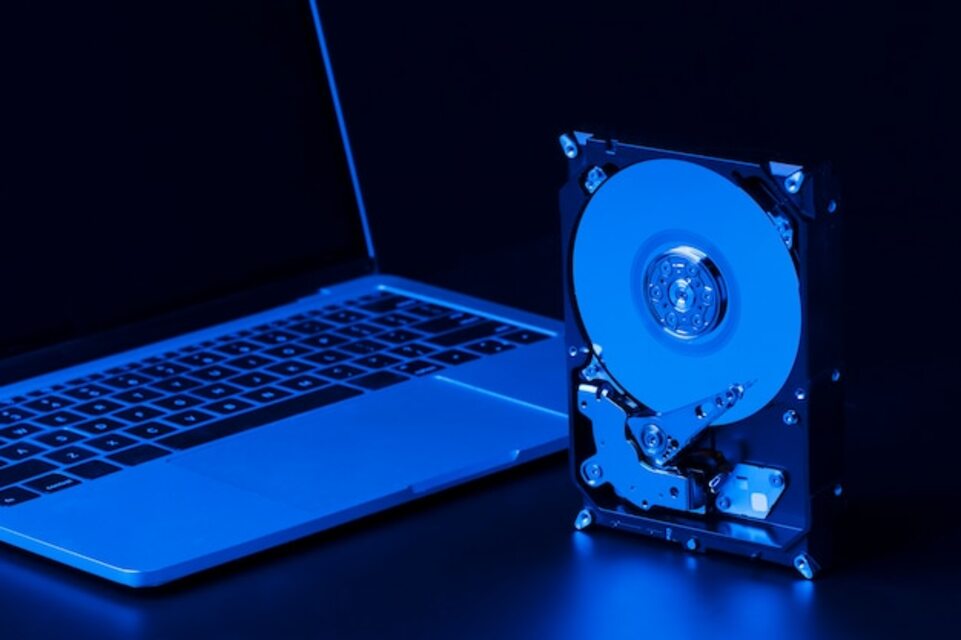
In your computer, there are multiple wires that connect each component to the motherboard. If this connection is loose or created by a faulty wire, crashes in the system will happen upon any failure of data coordination between the motherboard and the component. Computer crashes happen most frequently due to this issue being present in your hard drives.
IT support solutions ensure that these issues are detected and fixed as soon as possible.
- Cleaning of Dust from Hardware
Computers have an entire airflow maintenance system within each component which is installed to control their temperatures. However, over time these airflow systems end up collecting too much dust that prevents them from functioning properly.
This dust can also reach the core components of each piece of hardware which can result in poor power delivery to the components. Cleaning this dust requires proper tool use and expertise in cleaning hardware which is what IT support specializes in.
- Proper Placement of Computer RAM
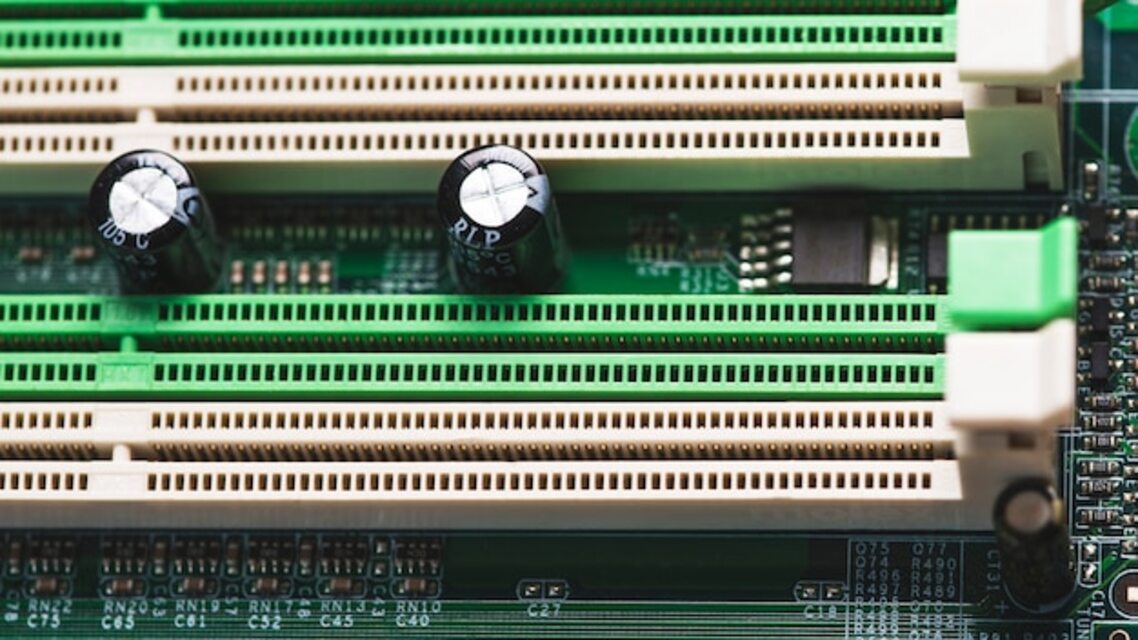
RAM is a very core component of a computer that determines its ability to perform all its functions alongside the main processor. Improper seating of RAM is a common cause for computer crashes which is what expert IT support can fix.
- Fixing Faulty Power Supply
The power delivery is handled by a separate component of the computer known as the PSU or power supply unit. This unit transfers power to the motherboard which then delivers the power to computer hardware. A fault in power delivery either through the hardware or the power source itself is a very common cause of computer crashes.
Expert IT support and computer repair services can help to detect when a power supply unit has become faulty so, that it can be fixed or detect where the power is not being delivered properly to the computer.
- Temperature Control of Computer Hardware
Temperature is a major factor that influences the performance of computer hardware, according to Intel. During work, computer components can become overheated. The job of keeping this heat under control is on the cooling system of hardware. However, overuse can still result in overheating of the hardware which can force the cooling components to work harder.
This damages the cooling system which results in the hardware closing itself immediately upon overheating. Computer repair services can help mitigate this issue by repairing the cooling system and providing advice for better management of the operational time of each computer.
- Detecting Malfunctioning Hardware
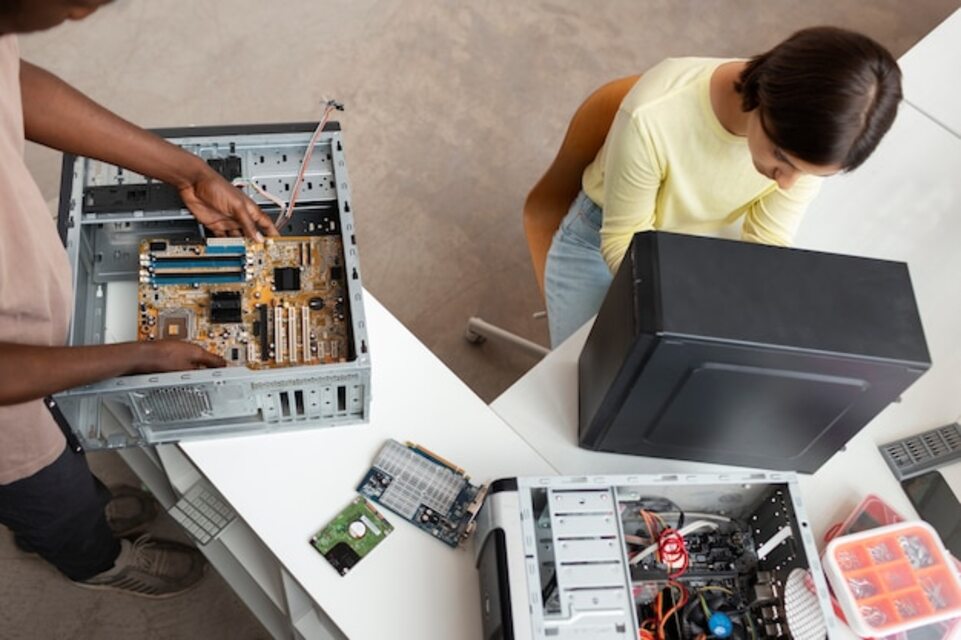
Hardware is one of the most common reasons for computer crashes. All computers need all of their different hardware components to work together for smooth operations and stable performance. If any of these hardware components start malfunctioning, this can result in crashes of your computer. Expert IT support can help you detect these issues and help to either fix or replace such malfunctioning components.
- Diagnose Corrupted Software
It is rare, but sometimes the issue of computer crashes does not originate from the hardware of a computer. Software that runs on corrupted files can also cause crashes in a computer. Corruption can occur due to interference in the network during the data sharing process which does not properly send all the data to a computer.
Expert IT support can run a diagnosis on your computer to detect such corrupted files and remove them to prevent further computer crashes.
Conclusion
Computer crashes are one of the most dangerous issues that a computer operator has to deal with. Not only does it have the potential to damage your computer’s hardware, but it also corrupts your data. Many people have lost hours of their work to a simple computer crash.
Thankfully, with quality expert IT support in Houston, this issue can be avoided to keep your computer and the data stored on it safe. So, if you are looking for expert IT support services in Houston for your business, contact IT Cloud Global today.